Reduce Downtime With Clear, Practical IT Support
Small businesses rarely have time to chase recurring tech issues. We focus on steady operations by starting with a quick intake of symptoms, then validating the root cause with targeted checks across devices, network gear, and software.
After we confirm what’s happening, we explain options in plain language, including the impact on security, speed, and day-to-day workflow. For many issues, we resolve them remotely to cut delays. If your setup needs hands-on work, such as cabling, printer configuration, network tuning, or camera adjustments, we plan an on-site visit with minimal disruption to your staff.
Whether you’re managing shared files, supporting hybrid staff, or keeping accounting and databases stable, our IT services are designed for real-world operations. If you’re comparing IT companies or looking for small business IT support that respects your schedule, we align the fix with how your team actually works, not a one-size checklist.
- Computer And Printer Support: We troubleshoot slow computers, login issues, print spooler errors, and device setup problems, then stabilize drivers and permissions so staff can print, scan, and work without repeated interruptions.
- Phone, Camera and Network Support: We diagnose dropped calls, weak Wi-Fi areas, unstable switches, and camera outages, then tune network settings and hardware placement to improve coverage and reduce disconnects.
- Microsoft Access Systems Support: We help keep Microsoft Access databases usable with fixes for forms, reports, performance slowdowns, and multi-user conflicts, especially when shared data is critical to daily operations.
- Database Design and Support: We build and support databases that match your workflow, including table structure, queries, and maintenance planning, so data stays consistent and reporting stays dependable over time.
- QuickBooks Online and SaasAnt Support: We resolve QuickBooks Online issues and SaasAnt import errors by verifying mappings, permissions, and batch settings, helping you avoid duplicate entries and surprises during close or payroll.
- Office 365 Management: We manage accounts, licensing, security settings, and access controls for Microsoft 365, helping reduce login friction while supporting safer email and file sharing across your team.
Simple Practices That Keep Business Tech Steady
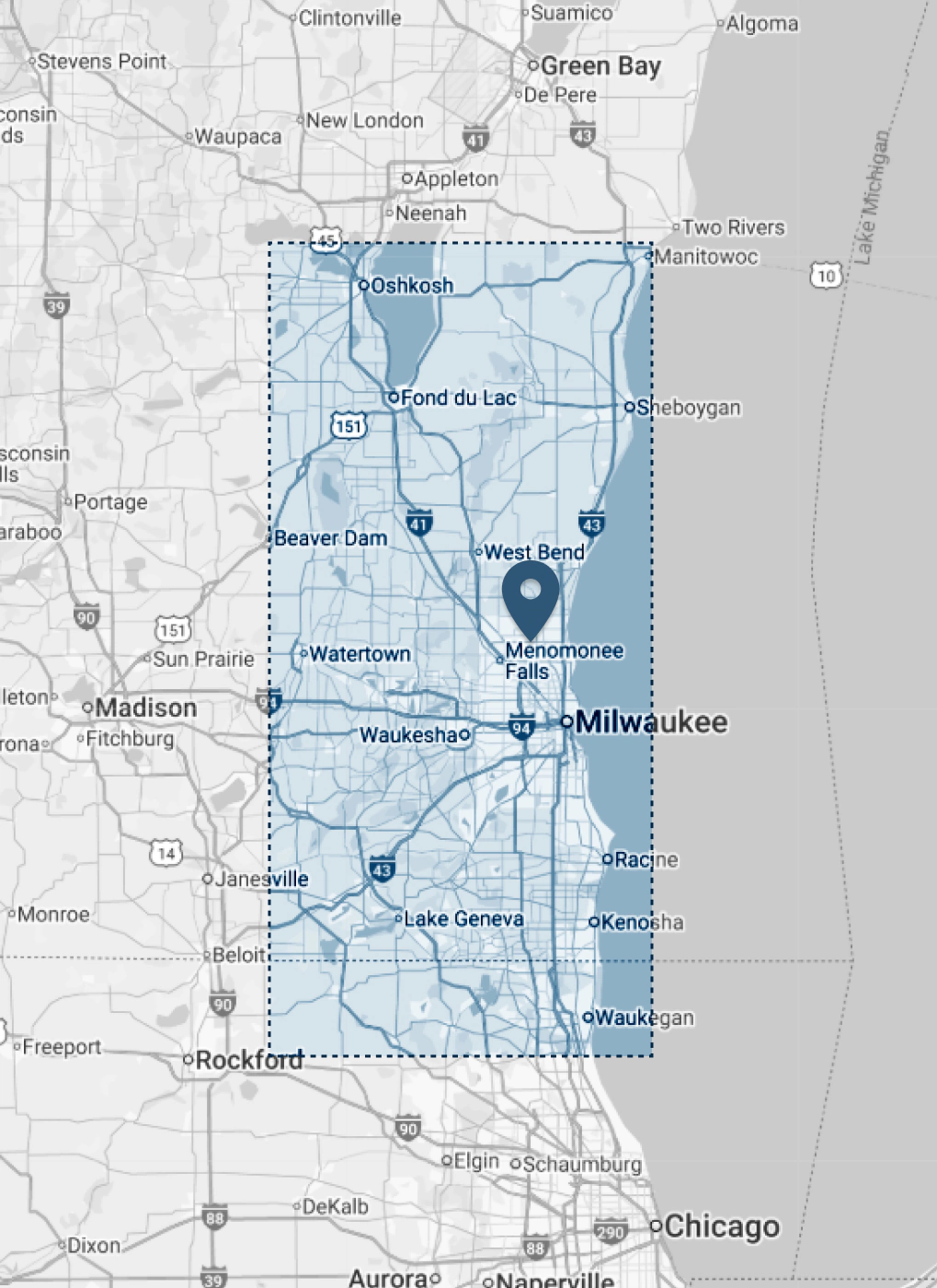
Many recurring IT issues come from a few predictable pressure points: unstable connectivity, inconsistent device setup, and software processes that drift over time. In Waukesha County, WI, it’s common to see mixed hardware across offices, shared printers that move between suites, and networks expanded in stages as teams grow.
Older buildings can add challenges with signal obstruction, wiring limitations, and shared utility rooms that make it harder to isolate a problem quickly. Seasonal storms and short power flickers can also expose weak battery backup planning and cause routers or switches to restart in a bad state.
The goal is not to overcomplicate your environment, it’s to keep it predictable. A few habits, done consistently, can reduce urgent calls and help your staff stay focused. Use the tips below as a baseline, and when something keeps recurring, treat it as a sign to review the underlying configuration rather than repeating the same quick fix.
- Standardize device setup: Use consistent user permissions, default printers, and shared-drive mappings across staff machines so new hires and role changes do not create random access issues or printing failures.
- Protect network gear from power flickers: Add battery backup for modem, router, and key switches so brief outages do not corrupt settings, drop cameras, or force a full restart during business hours.
- Document critical workflows: Keep a short checklist for QuickBooks Online imports, SaasAnt batches, and database updates so routine tasks stay repeatable, and errors are easier to trace and correct.
- Audit accounts quarterly: Review Microsoft 365 users, shared mailboxes, and access rules to reduce login confusion, prevent orphaned accounts, and keep data sharing aligned with current roles.
If you want fewer interruptions and faster fixes, let’s start with a small business IT checkup that targets the issues you feel every week. Call (414) 406-7644 to talk through your setup and get support from an IT support company serving Waukesha County, WI.